
Products

UDOP Software

UDOP can control up to 4 instruments on the same PC

UDOP can define ultrasonic parameters automatically

Based on simple user inputs, such as the depth along the ultrasonic beam and the maximum velocity to be measured, UDOP computes most operating parameters automatically.

Tedious manual settings are avoided, while advanced users can still fine-tune all parameters. A quality factor allows an easy compromise between signal-to-noise ratio and profile acquisition rate.
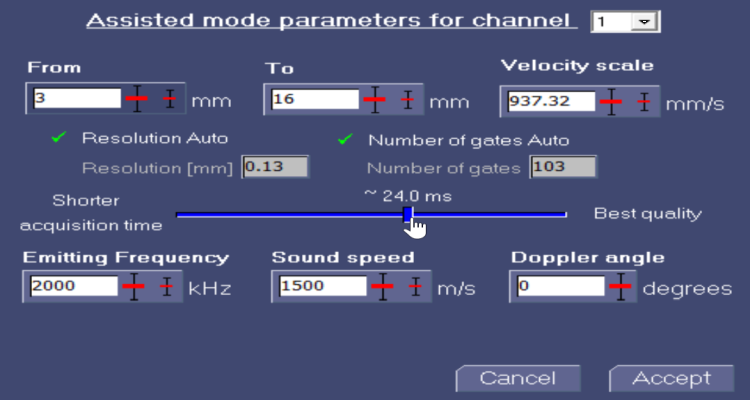
UDOP assisted parameter setting interface
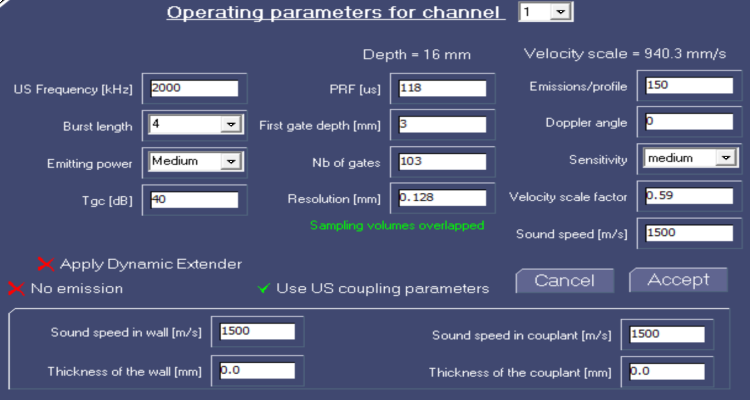
UDOP advanced parameter interface

Full control for advanced users

Emission and reception settings can be fine-tuned, including PRF, number of emissions per profile, and Doppler frequency computation parameters. Using calibrated sound velocities and Doppler angles, real velocity vectors are displayed instantaneously on screen.

Compute more than velocity profiles

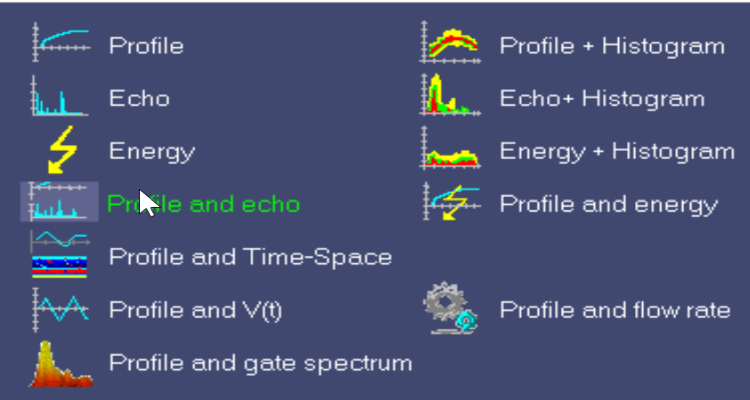
UDOP includes algorithms to extract information from echo signals beyond velocity profiles. Multiple types of data, such as velocity and echo profiles, can be displayed simultaneously. All displayed profiles are saved in the recorded data file for further analysis.

UDOP computing multiple profiles
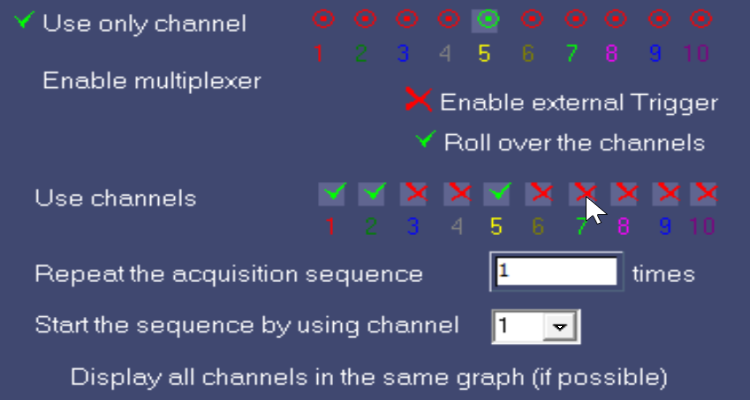
UDOP multi-channel interface

Control multiple channels

Each UDOP channel is linked to a single transducer with its own parameters, making channels fully independent. Using the internal multiplexer (depending on the model), flow patterns can be reconstructed or monitored in real-time.

Filters improve measurement quality

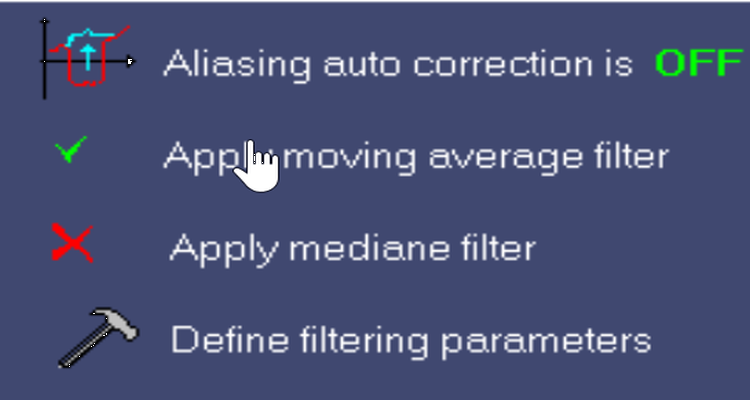
Displayed curves can be smoothed using moving average or median filters. Filter parameters can be adjusted to display average or filtered values as desired.

UDOP filtering options
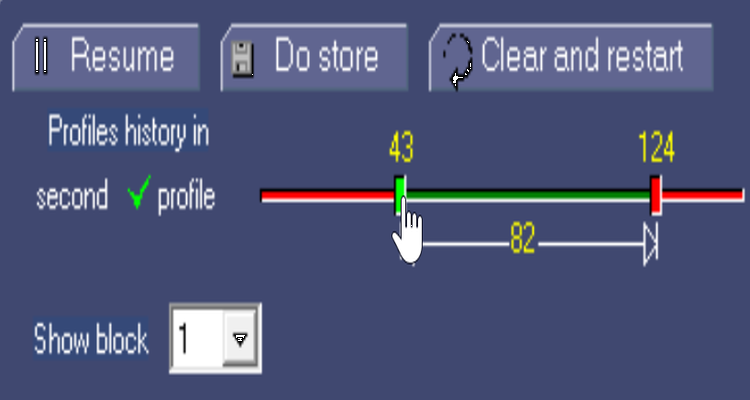
UDOP recording interface

Record past or future profiles

UDOP continuously records profiles in its internal memory. When full, the oldest profiles are replaced or acquisition stops. Users can also manually select and record a portion of the data. Memory size is configurable.

Read and replay measurements

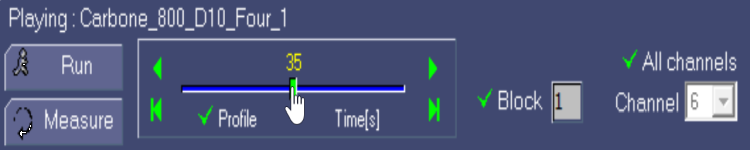
All binary data files can be read and replayed in UDOP. In replay mode, users can navigate and visualize filtered portions of the measured profiles.

UDOP replay measurement interface
UDOP comparing profiles

Extract and compare profiles

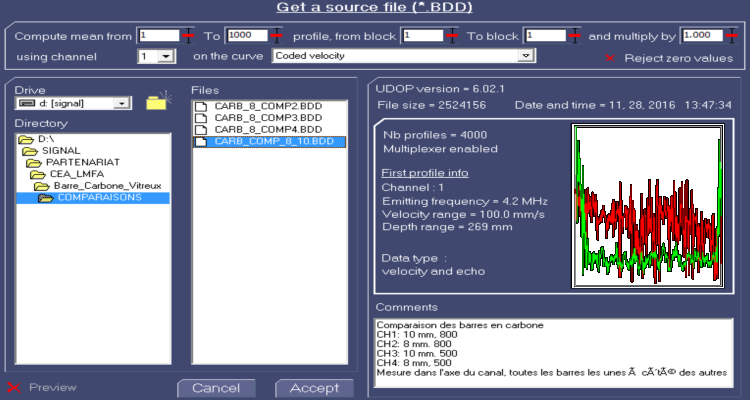
UDOP can extract specific information from a binary file and compare similar data types on a single graph for analysis.

Save up to 10 user preferences

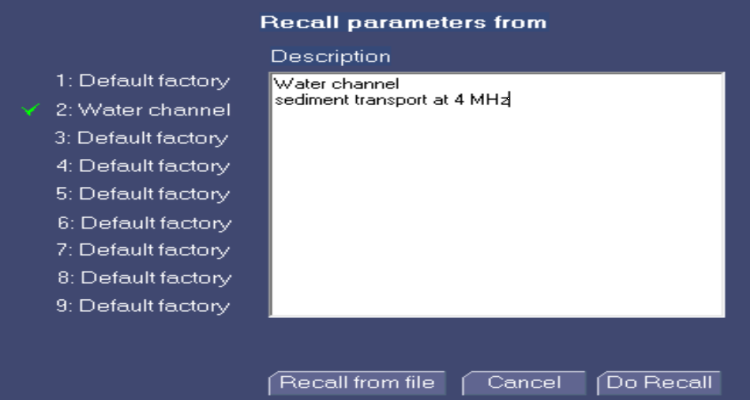
UDOP saves all operational parameters and settings upon closing. Each setting can include a description for easy retrieval. Settings can also be restored from a binary file.

UDOP save preferences interface
UDOP trigger options

Advanced trigger features

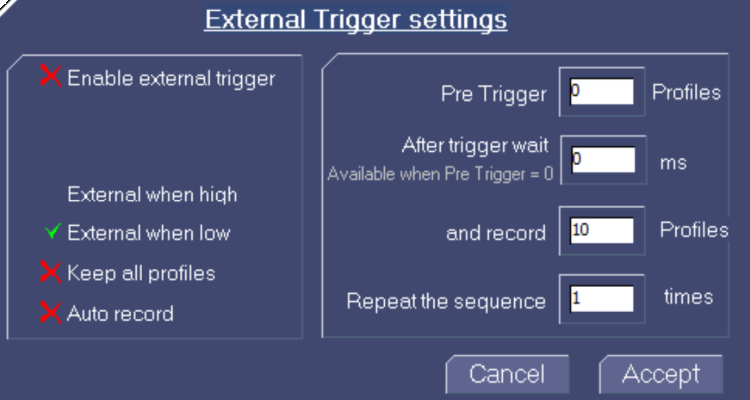
UDOP can start acquisitions based on events, such as a key press or an external trigger logic state. Automatic recording procedures can also be configured.

2D and 3D measurements

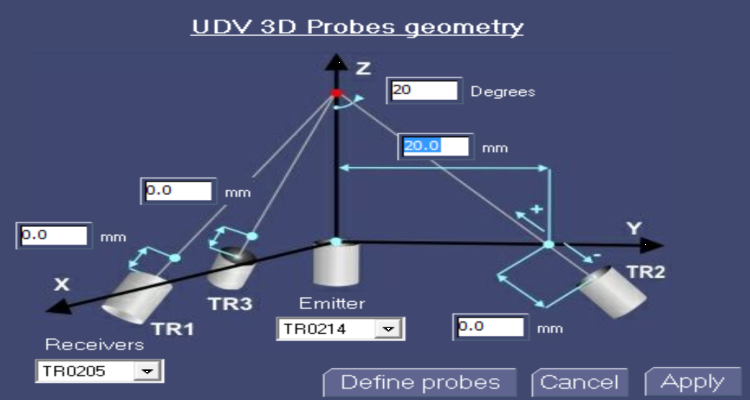
UDOP supports 2D and 3D velocity measurements using specialized algorithms that record complete velocity information for each measured gate.

More information
UDOP 2D/3D measurement interface